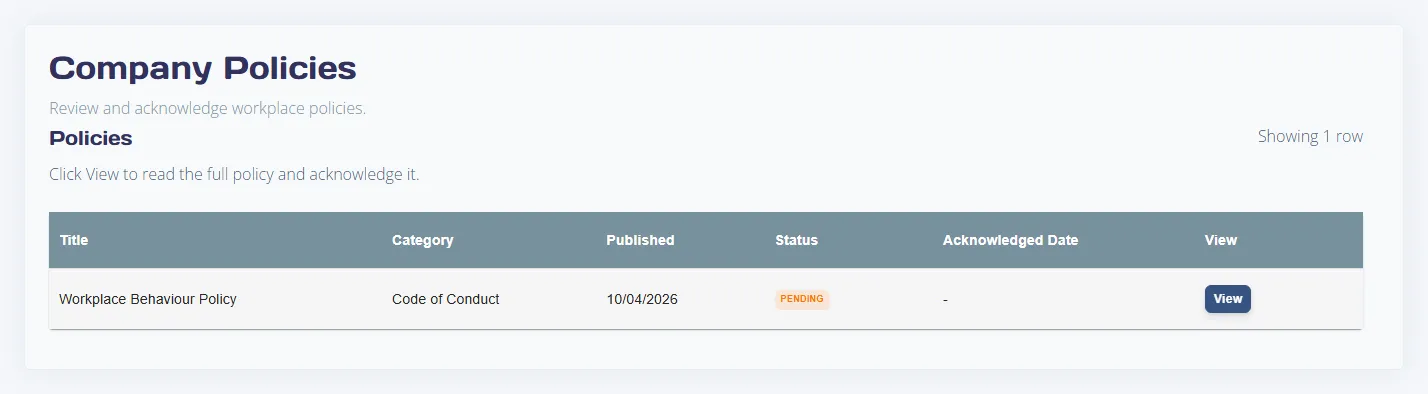
Answer
This reference covers all interactive controls in Policies, Policy Editor, and the Publish Policy modal.
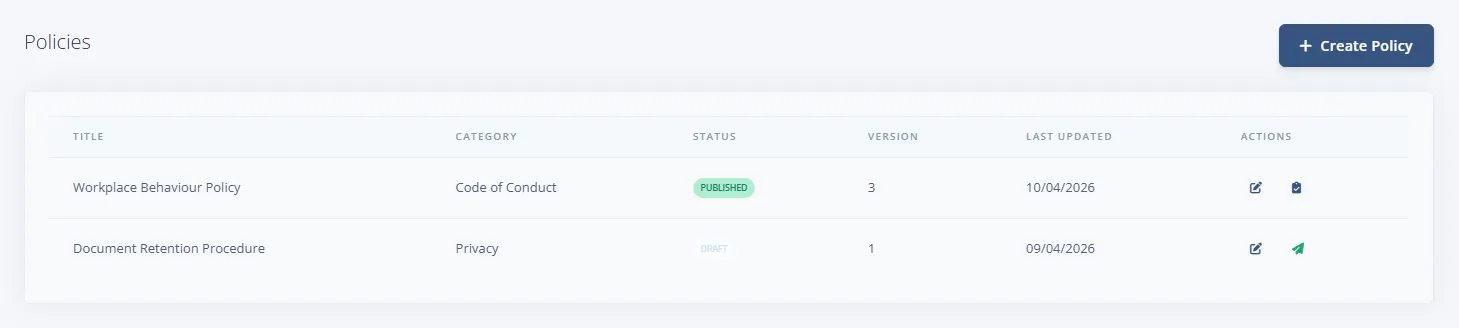
Policy list controls
- Create Policy button
- Show archived checkbox
- Per-row actions: Edit, Publish (draft policies), View Acknowledgements (published policies)
Policy editor controls
- Top actions: Cancel, Save Draft, Publish
- Start from a ready-made policy select and Load Example button (create mode)
- Title * input
- Category select: General, Leave, Health & Safety, Work Health & Safety, Code of Conduct, Anti-Discrimination, Privacy, IT & Security, Remuneration, Other
- Audience Filter with an Add Filter button (Department, Employment Type or Location). Leave it empty to show the policy to all employees
- Use HTML editor checkbox
- Key Policy Fields: Approval Path, Review Trigger, Version Label
- Apply Fields To Content button
- Content editor (HTML or plain text mode)
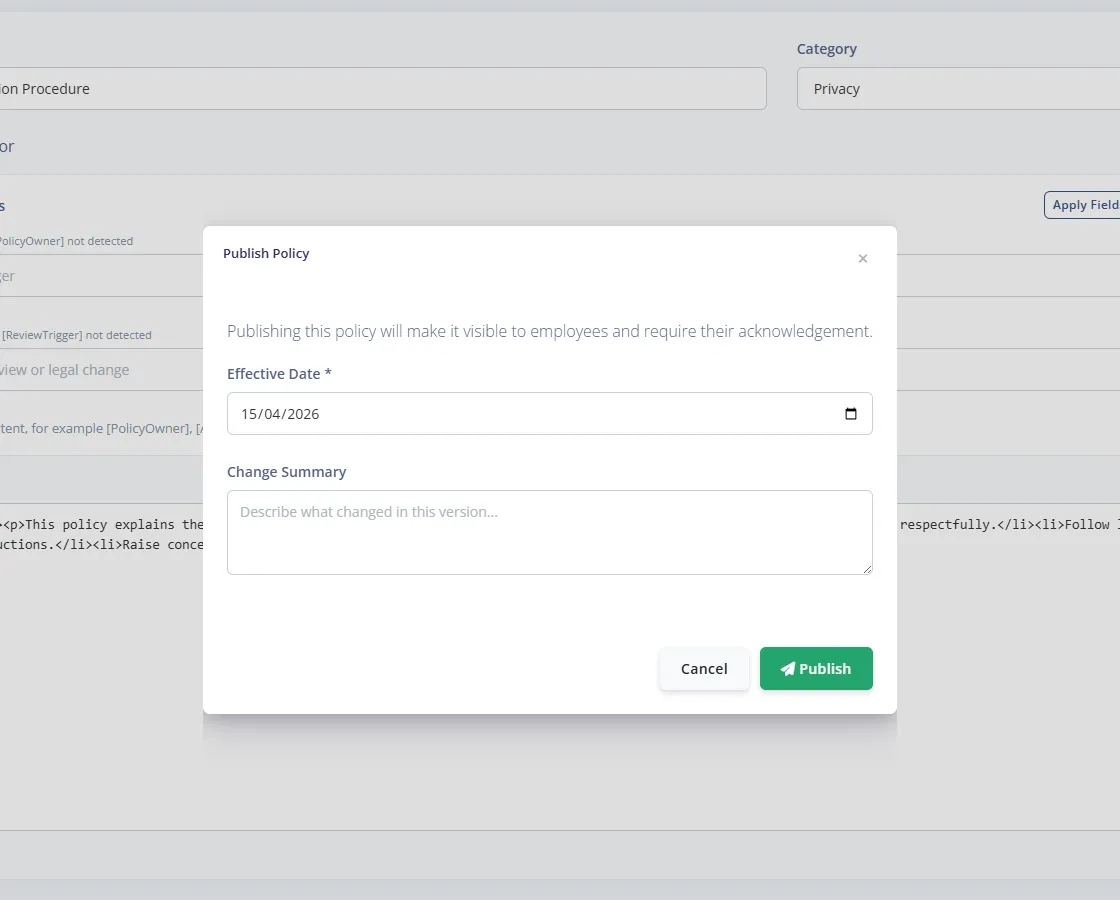
Publish Policy modal controls
- Effective Date * field
- Change Summary field
- Footer buttons: Cancel, Publish