


Answer
This reference documents every interactive control in Template Library, including Document Studio export tooling.
Library list controls
- Filter/search controls: Search, Family, Tag, Starter pack only checkbox (when available), and Search action button
- Per-template actions: Preview, Adopt
- Actions on each document under Your Company Documents: Review required · Mark reviewed, Edit (or Continue in Policies / Continue in Onboarding when the body lives there), Clone, Re-customise document choices (starter documents) and Document Studio / Export
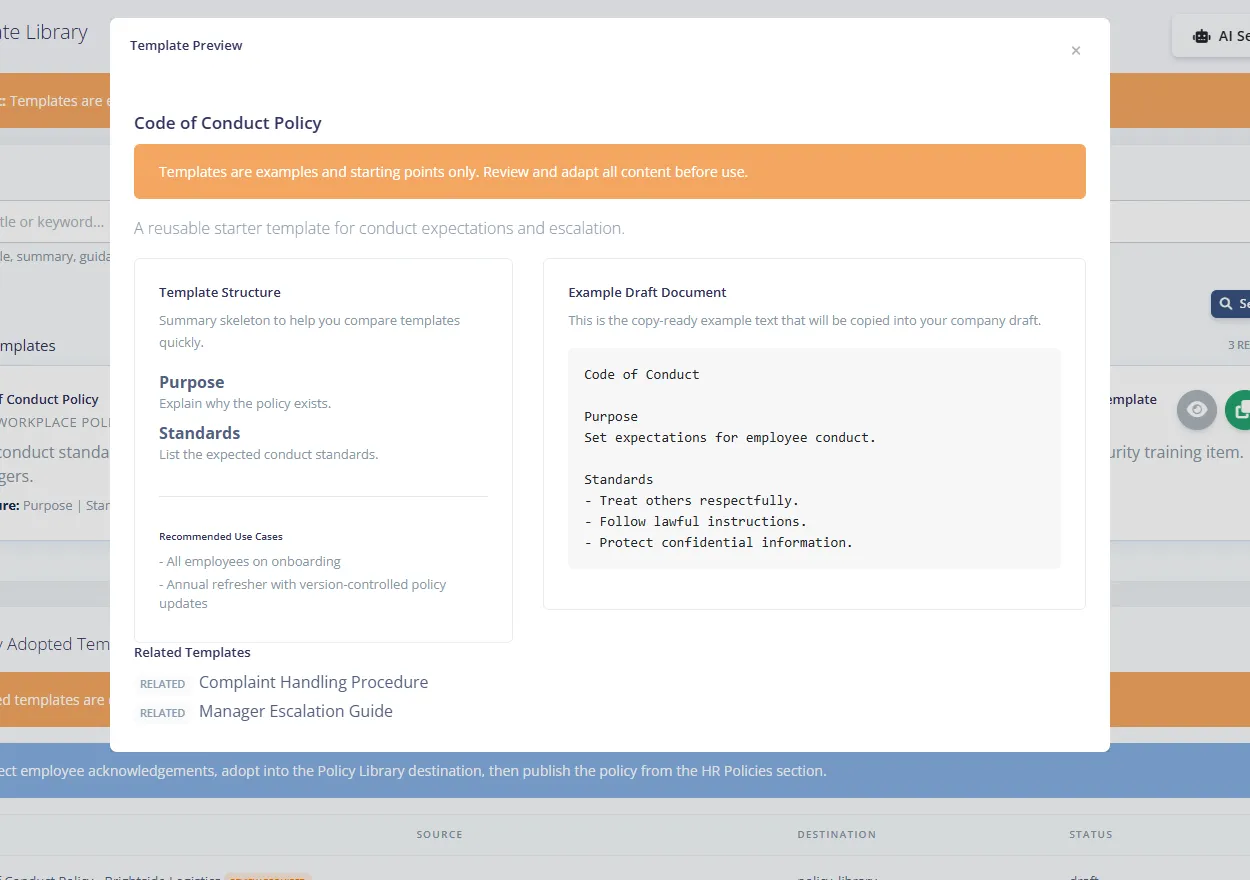
Template Preview modal controls
- Read-only preview sections: Template Structure, Example Draft Document, and Related Templates
- Modal close controls: top-right X and standard modal close behaviour
Adopt/Edit draft controls
- Adopt Template modal fields: Destination, Company Template Title, plus a Document questions section for some templates and a Which fields are pre-filled? explainer
- Destination options: Company HR Content, Policy Library (Draft Policy), Checklist Library (Template), Training Library (Catalogue Item), Document Template Library (Document Type)
- Edit Company Template Draft modal fields: Title, Guidance Notes, Draft Content
- Common modal actions: Cancel, Adopt, Save Draft
Document Studio controls
- Style profile controls: Saved Style Profiles, Profile Name, Apply, Save New, Update Selected, Set Default, Archive
- Export setup controls: Export Format, Document Title, Subtitle, Header Note, Accent Color
- Employee for this download select (No employee - reusable company document, or one employee) and a Fill in the blanks section with Save into document
- Export format options: DOCX (Editable Word), PDF (Share/Print), RTF (Word Compatible), HTML (Web), TXT (Plain Text), MD (Markdown)
- Checkbox options: Include Logo, Include Disclaimer, Include Structure Summary
- Preview and export controls: Refresh Preview, Document Preview pane, Close, Export Document

