Answer
How do I check dashboard figures in Pay Summary, and who can edit dashboards?
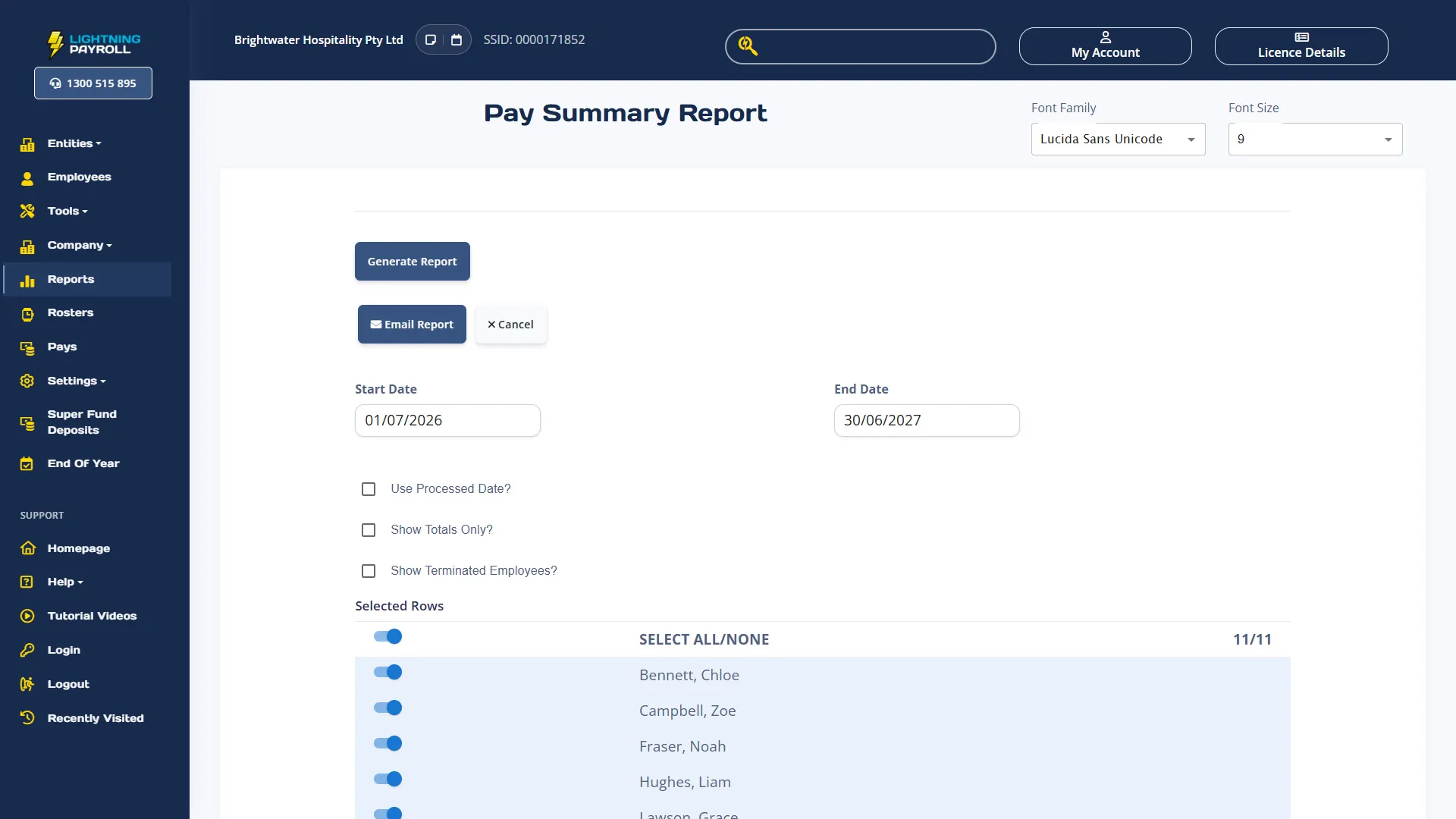
Choose View records at the bottom of a card to open the matching records. To check Completed gross, open a page with a Completed gross card (the Payroll overview template adds one) and choose View records on it. In the online app, Pay Summary opens with the Start Date, End Date and Use Processed Date? setting already filled in to match the card.
Before you choose Generate Report, tick Show Terminated Employees? if anyone paid in the period has since been terminated, even if they left after the period ended. The dashboard counts their pays, but Pay Summary leaves out every employee who is currently terminated unless that box is ticked. In the desktop app, View records closes Dashboards and opens the Pay Summary preview straight away, with terminated employees included.
In the online app, View records opens Pay Summary from Completed gross, Completed tax, Completed net, the Completed gross trend and Department gross, and opens the Leave Taken report from Leave balances. It needs access to the whole company, and works only when neither the card nor its page has a Limit records filter. Otherwise a message explains why, instead of opening a broader report.
In the desktop app, View records opens Pay Summary from the pay total cards and Department gross, keeping any employee filter, and opens the related screen for most other cards, such as Pays, Employees, Super Fund Deposits or Data Validation. Those screens open without the card's period. Neither app can carry a department or pay run filter into a report.
Dashboards follow each user's Reports permission. In the online app, set it in Settings >> User Management: for the Reports zone, Read Only lets a user view dashboards, Editable also lets them use Edit dashboard and + New page, and Locked stops them opening dashboards. In the desktop app, users and their permissions are on the Password And Security tab in Settings. A user with Limit this user to the employees selected below? ticked sees figures for those employees only and can limit cards by employee only. For that user, whole-company cards such as Data validation, Recorded filing status and Recorded SuperStream status show Limited access under the title Source unavailable.
Pages are shared by everyone who can open dashboards for that company, and they are saved in the payroll database. They travel with it when you upload, download or restore a backup, but they do not sync on their own between the desktop and online apps, and restoring an older backup brings back its older pages. If someone else changes a page while you are editing it, a message offers Reload or Save copy instead of overwriting their changes.