


Answer
Employees complete key HR actions directly from the portal: upload requested documents, acknowledge policies, and provide training evidence. If you have switched them on, the portal also has Checklists and Reimbursements tabs.
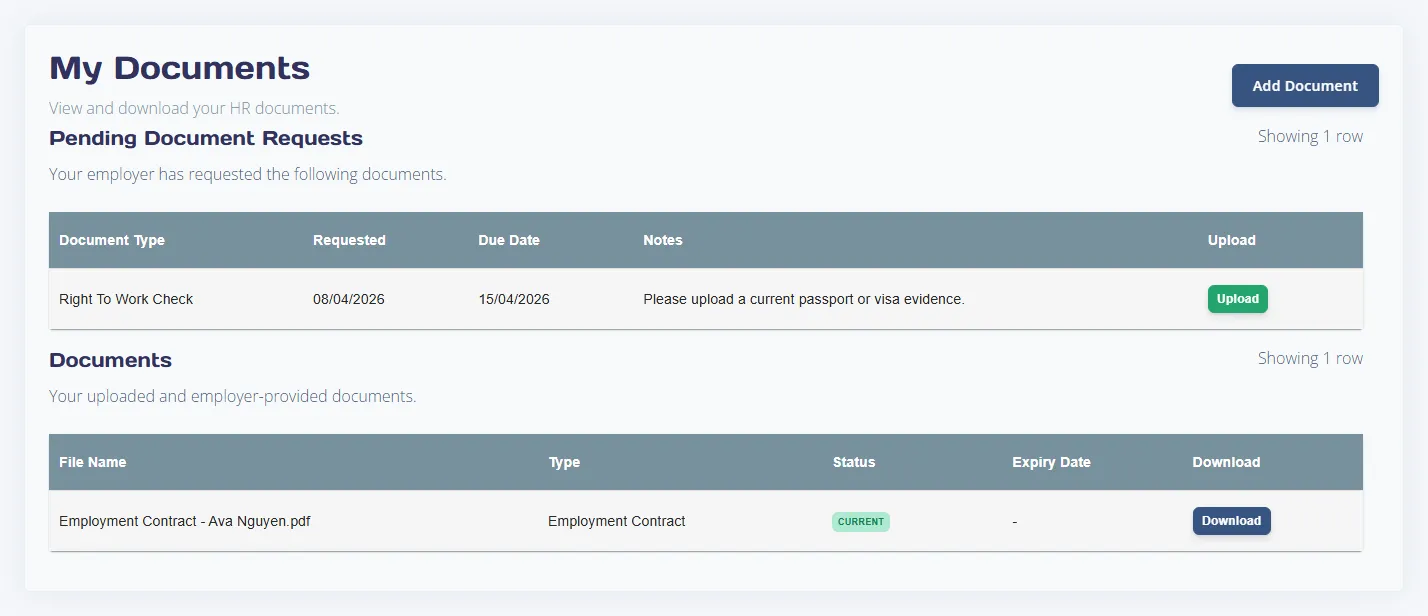
Documents
- Employees can see requests raised by HR and upload files against each request.
- Shared documents are available for download when visibility allows.
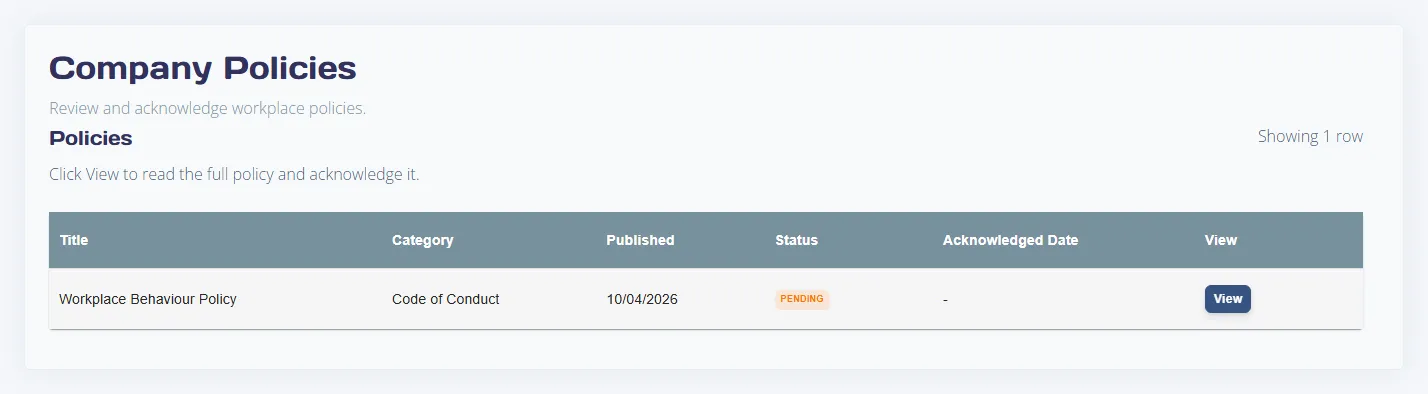
Policies
- Employees open each published policy and acknowledge the current version.
- Acknowledgement status feeds admin compliance dashboards.
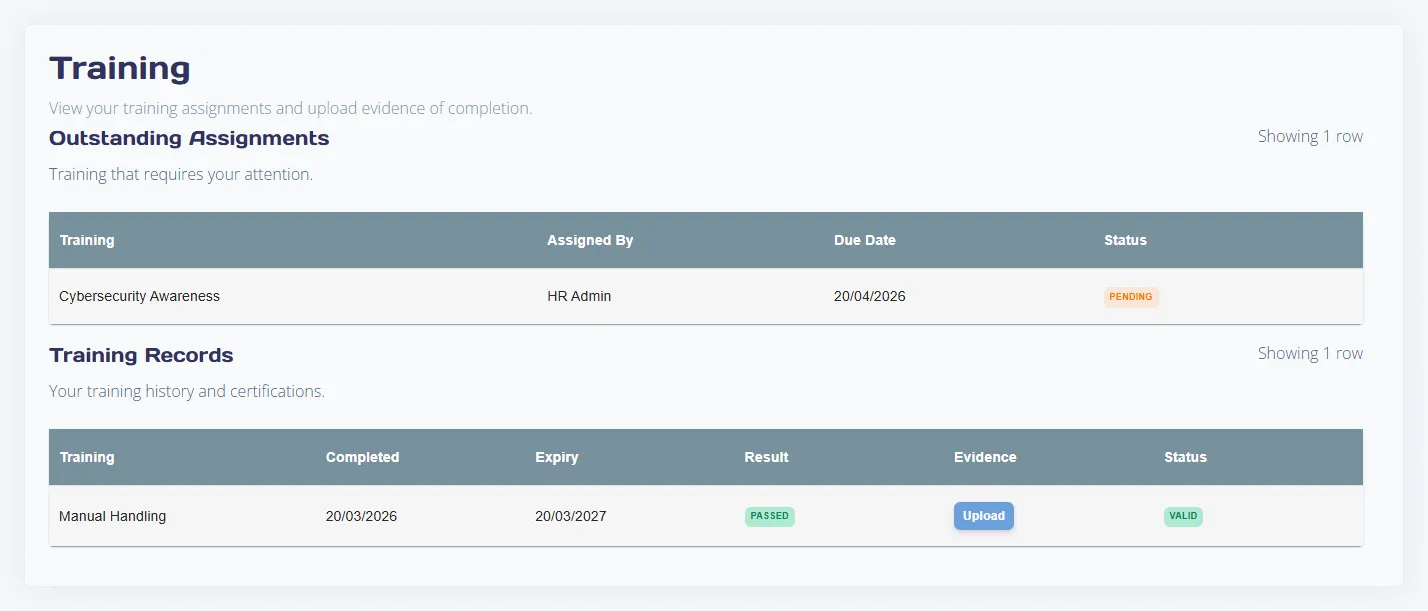
Training
- Assigned training appears with due dates.
- Evidence uploads support completion record updates.
Admin follow-up tip
If employees report missing tasks, check the HR permissions in the HR Module Settings section of the employee's Online Portal tab and confirm HR Suite add-on access is enabled.

