Answer
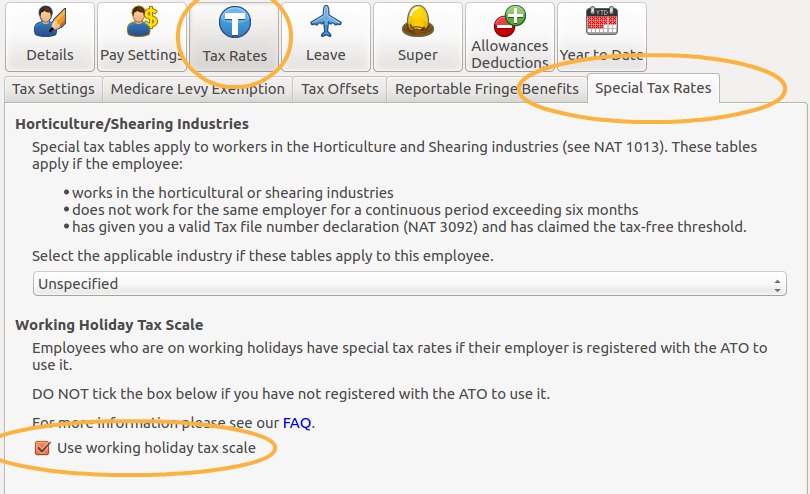
From 1 January 2017, employers must register with the ATO before they can tax staff using the working holiday maker tax rates. Once your business has registered, you can apply the working holiday tax scale to an employee under Employees >> Tax Rates >> Special Tax Rates >> Working Holiday Tax Scale by ticking Use working holiday tax scale. Make sure you also record the employee's Home Country, which appears below that tick box.
For an employee on the working holiday tax scale, go to Employees >> Tax Rates >> Tax Settings, turn on System Generated Tax Rate, and leave the other options unticked. The Deduct STSL (HELP, TSL, SFSS, etc.), Tax Free Threshold Claimed and Foreign Resident options should all be off.
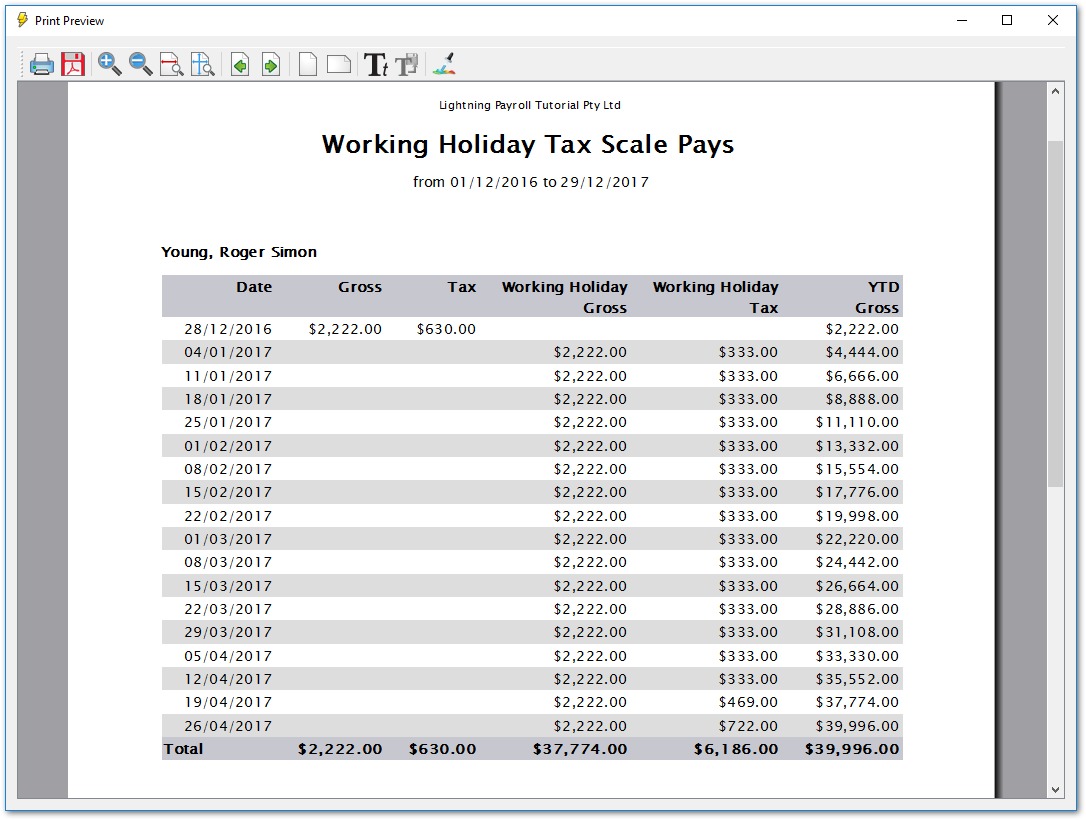
To keep track of working holiday pays, use the report under Reports >> Tax >> Working Holiday Tax Scale Summary. It shows which tax scale has been applied to each employee's pays.