


Answer
When the online employee portal is activated for the first time, the employee is emailed their username and a link to choose their own password.
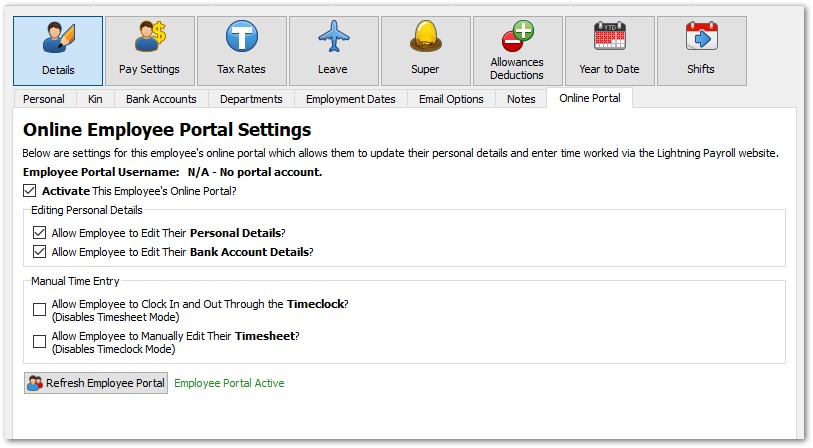
To trigger the email, first tick the box to activate the employee, then click Refresh Employee Portal under Employees >> Details >> Online Portal.
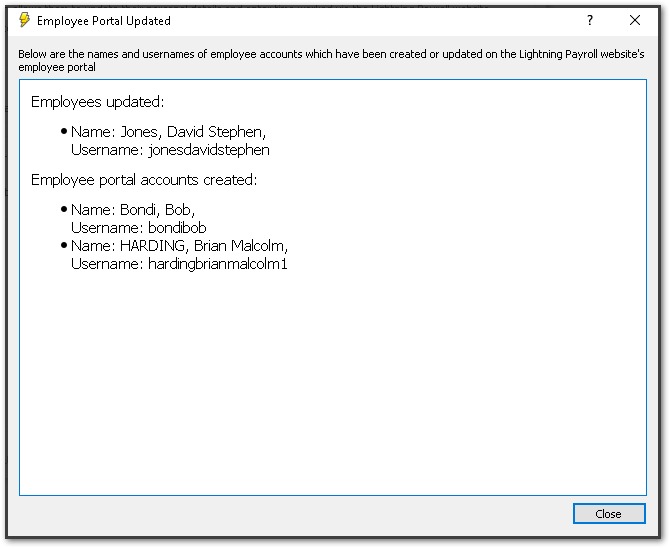
You should see an on-screen notification that looks something like this:
The employee receives an email with their username and a Set Up Password button. The link works for 2 hours. Once they have chosen a password they can log in by clicking Employee Login at the top of the Lightning Payroll website. If the link has expired, the email includes a Get New Password Link button that sends a fresh one.
An employee may also receive a new account email if their name is changed, because their login username is based on their full name.

